Most speed tests measure whatever connection your phone happens to be using. Network Test measures both — separately — and scores each one, so you know which of the two is actually letting you down.
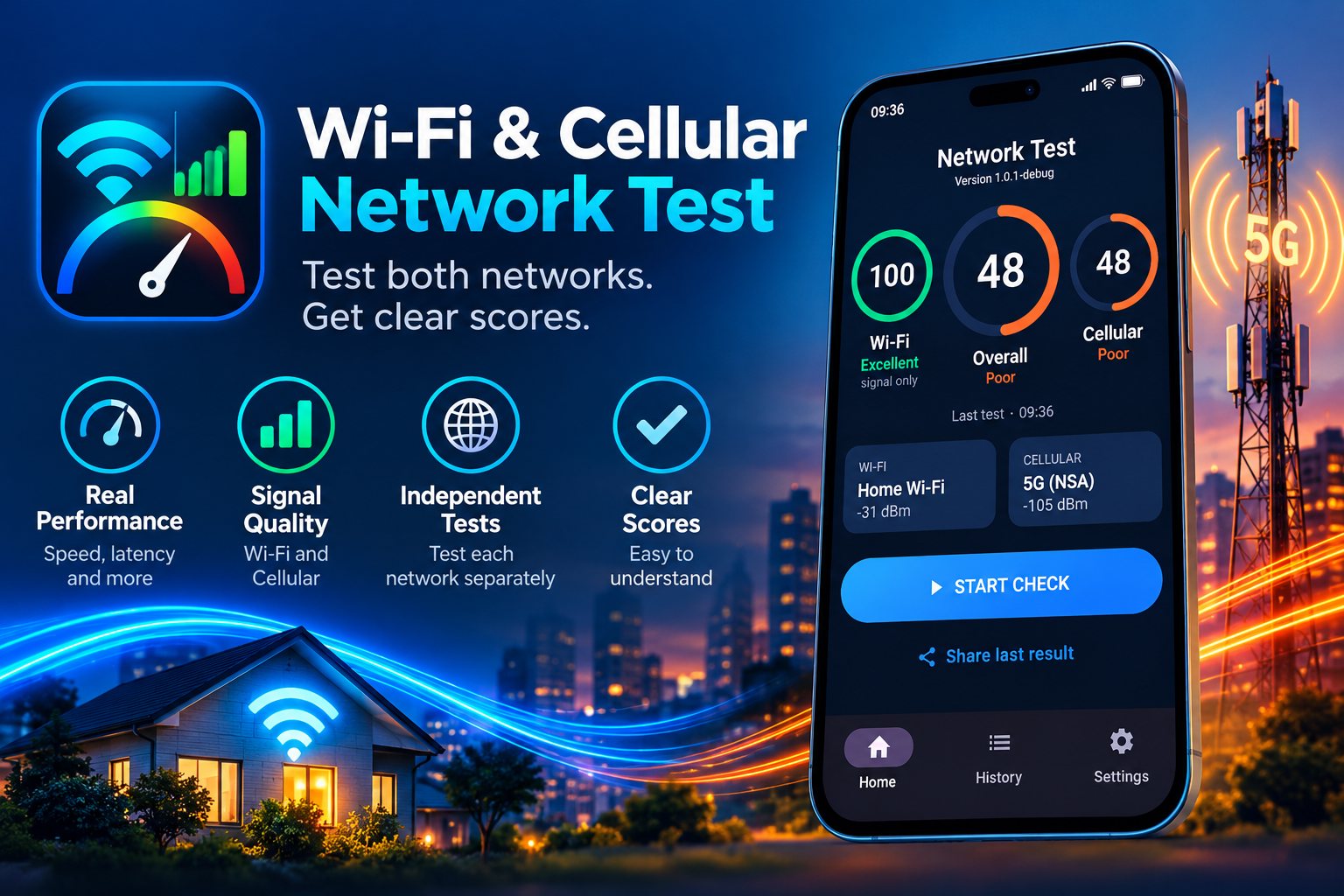
Free to download · remove ads for a one-time $2.99
Four bars and a slow connection is the most common complaint there is — and a single speed test cannot tell you where the problem sits. Testing the two paths independently can.
Signal strength, band, channel and width, Wi-Fi generation, link speed — then the throughput and latency the connection actually delivers.
Operator, 4G or 5G, RSRP, RSRQ and SINR, measured over the cellular radio even while Wi-Fi is connected.
Each network gets a 0–100 score combining signal quality with real performance, plus a combined score for the whole picture.
One tap starts a run. The radio details for both networks are read at the same time; the performance tests then run one after the other, so neither can distort the other.
Wi-Fi and cellular details are collected together — network name, band, channel, operator, network generation and every signal value your device exposes.
The app binds its traffic to a single network before measuring, which is what makes a genuine cellular measurement possible while Wi-Fi is still connected.
Download, upload, latency, jitter and packet loss — with the amount of mobile data a run may use capped, and shown to you before it starts.
Each network is scored, the result is saved automatically, and your last 25 runs stay on the phone so you can compare rooms, times and places.
A number and a word up front. Every reading behind it, for when you want the detail.
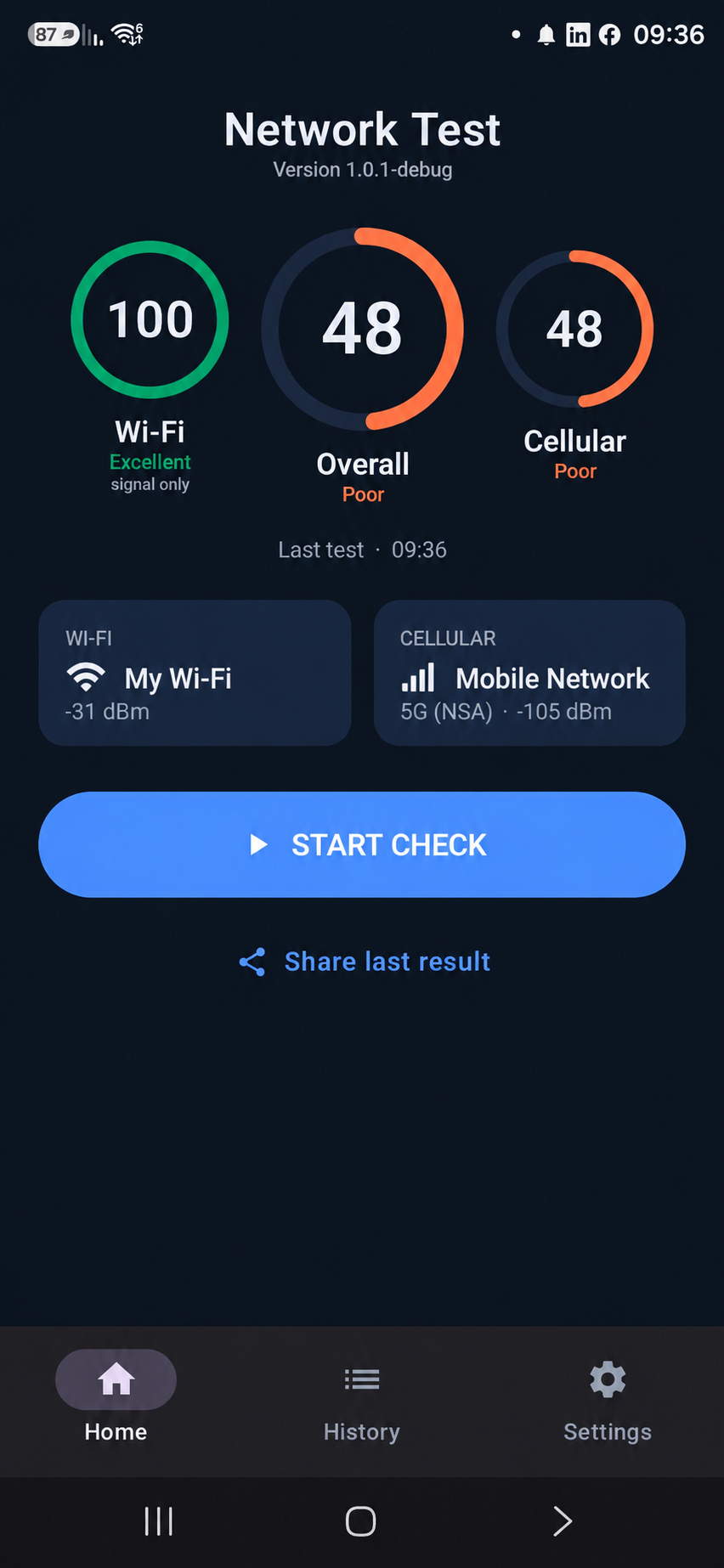
Both networks, scored separately
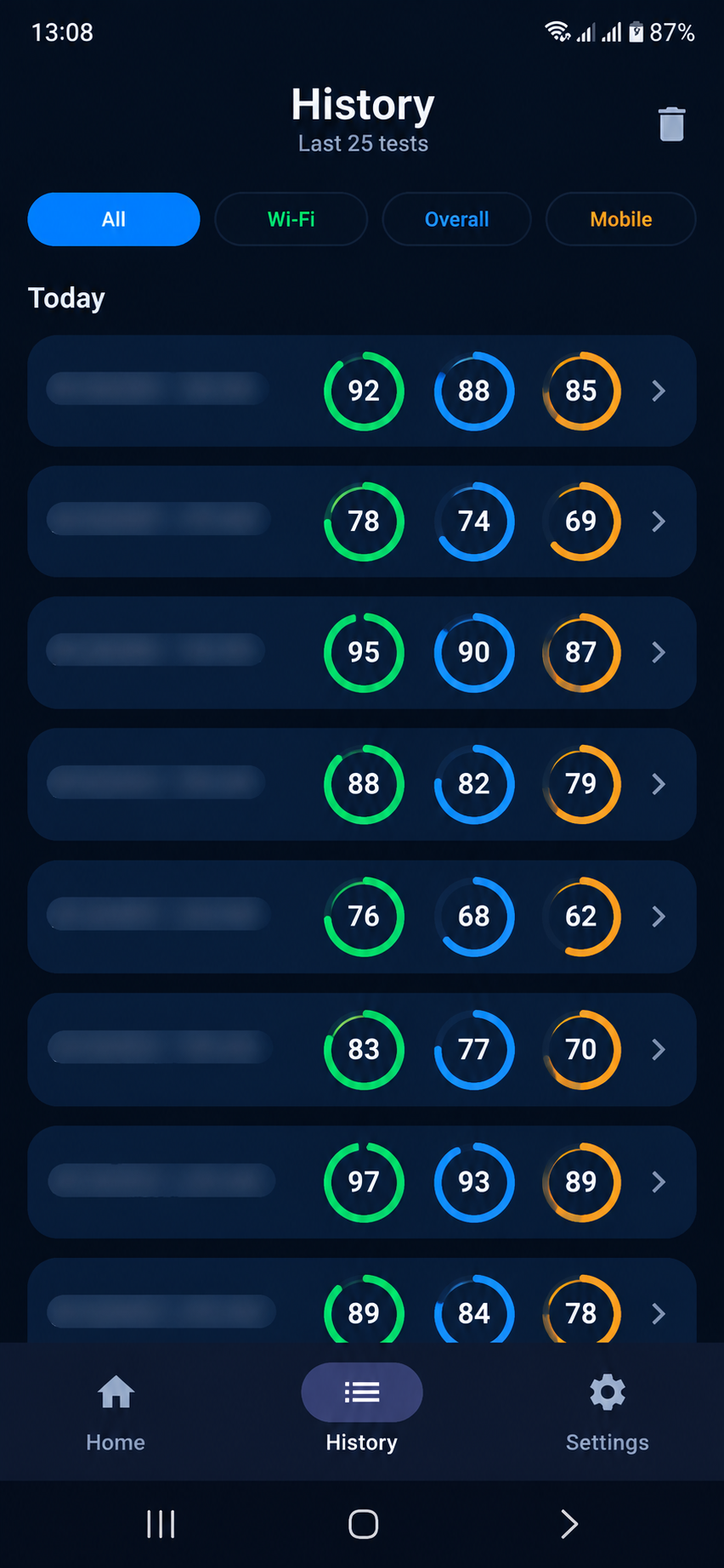
Every test kept, ready to compare
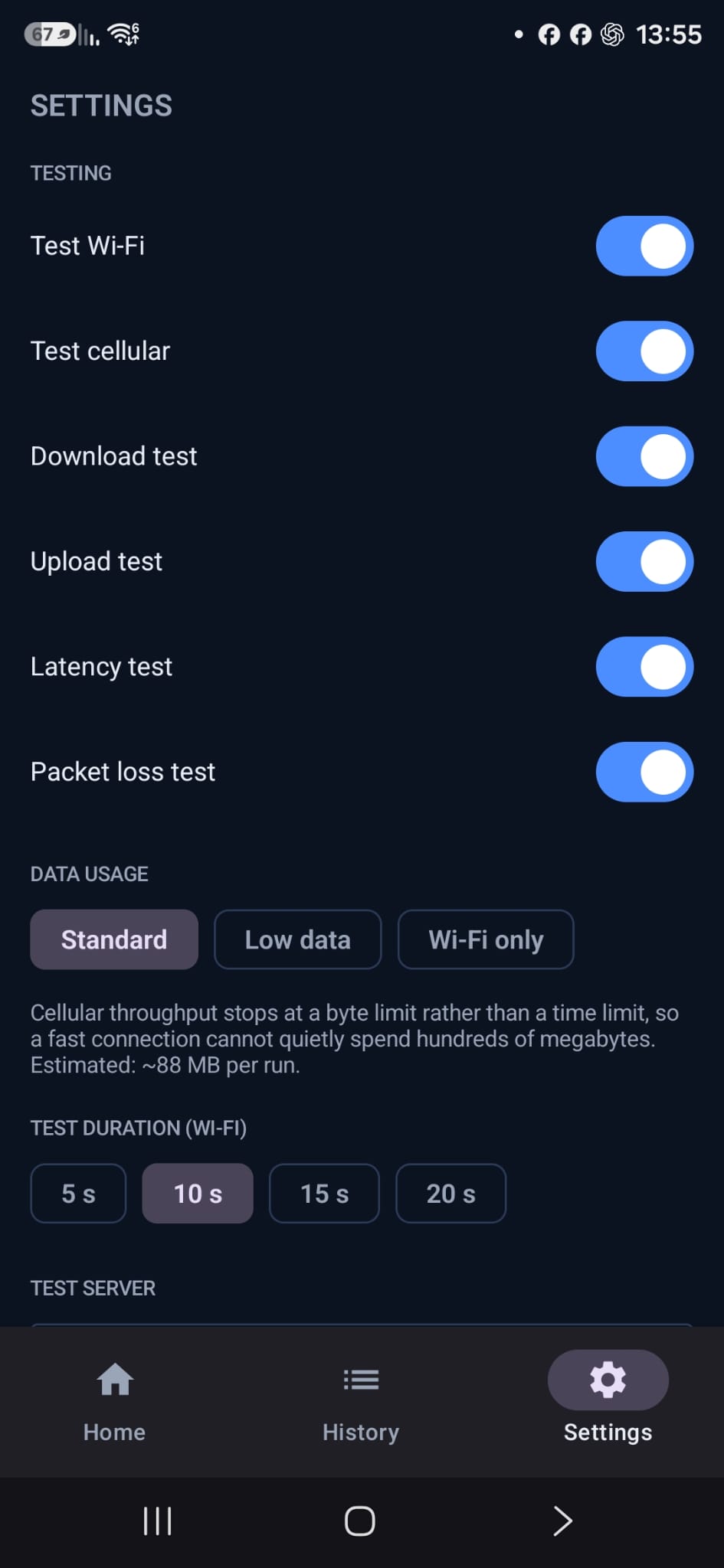
Control data use, duration and server
Everything your device is willing to report. Anything it withholds is shown as blank, never as a zero.
Network Test has no account system and no server that receives your measurements.
Network names, signal readings and results live in the app's private storage. We operate nothing that collects them.
Saving where a test was taken is off by default. Android requires the permission to reveal a network name — that does not mean your position is stored.
Clear your history from Settings, or uninstall the app and every trace of it goes with it.
Free on Android. Remove ads with a one-time purchase of $2.99 — no subscription.